Help Center
What You’ll Learn:
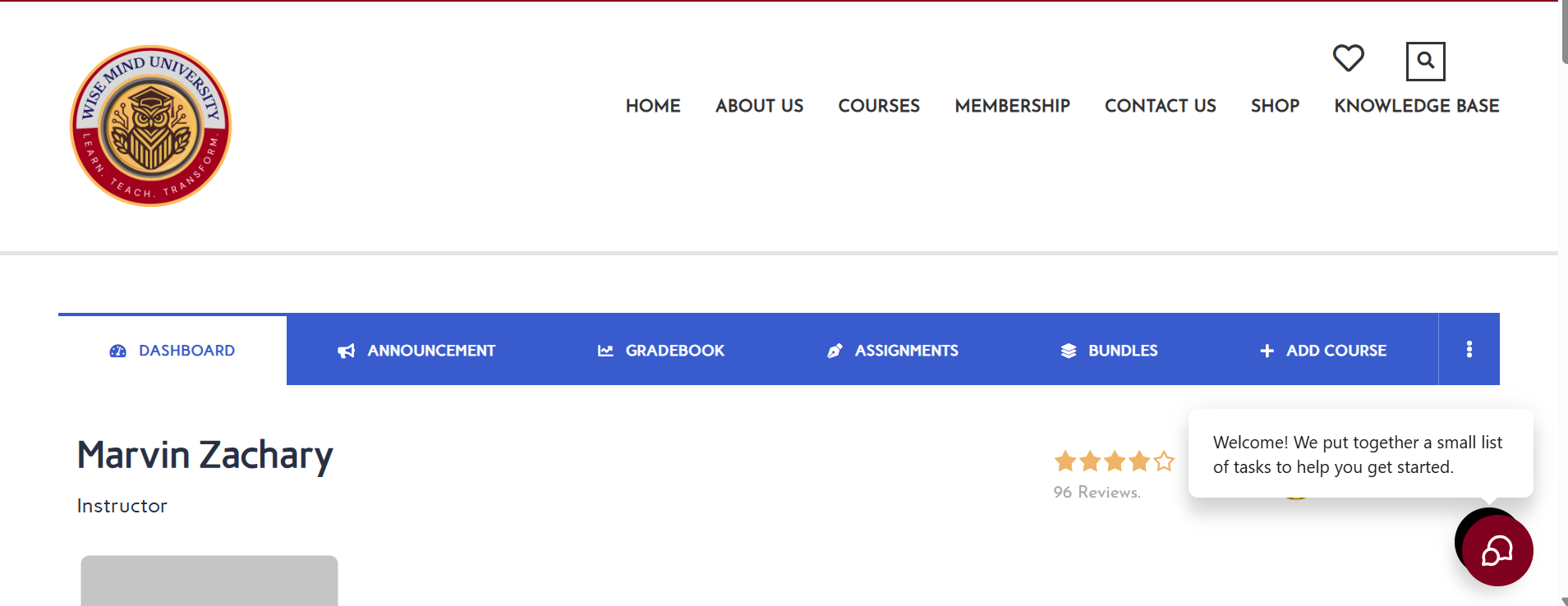
The layout of your dashboard and the purpose of each tab.
Key Areas:
-
My Courses – View and manage existing courses.
-
Create New Course – Start a new course.
-
Students – Track enrollments, view student progress.
-
Earnings – Monitor your revenue.
-
Reviews – Read student ratings and comments.
-
Announcements – Communicate directly with enrolled students.
📌 All course and student management happens here—get familiar with it.